
Download the latest version here.
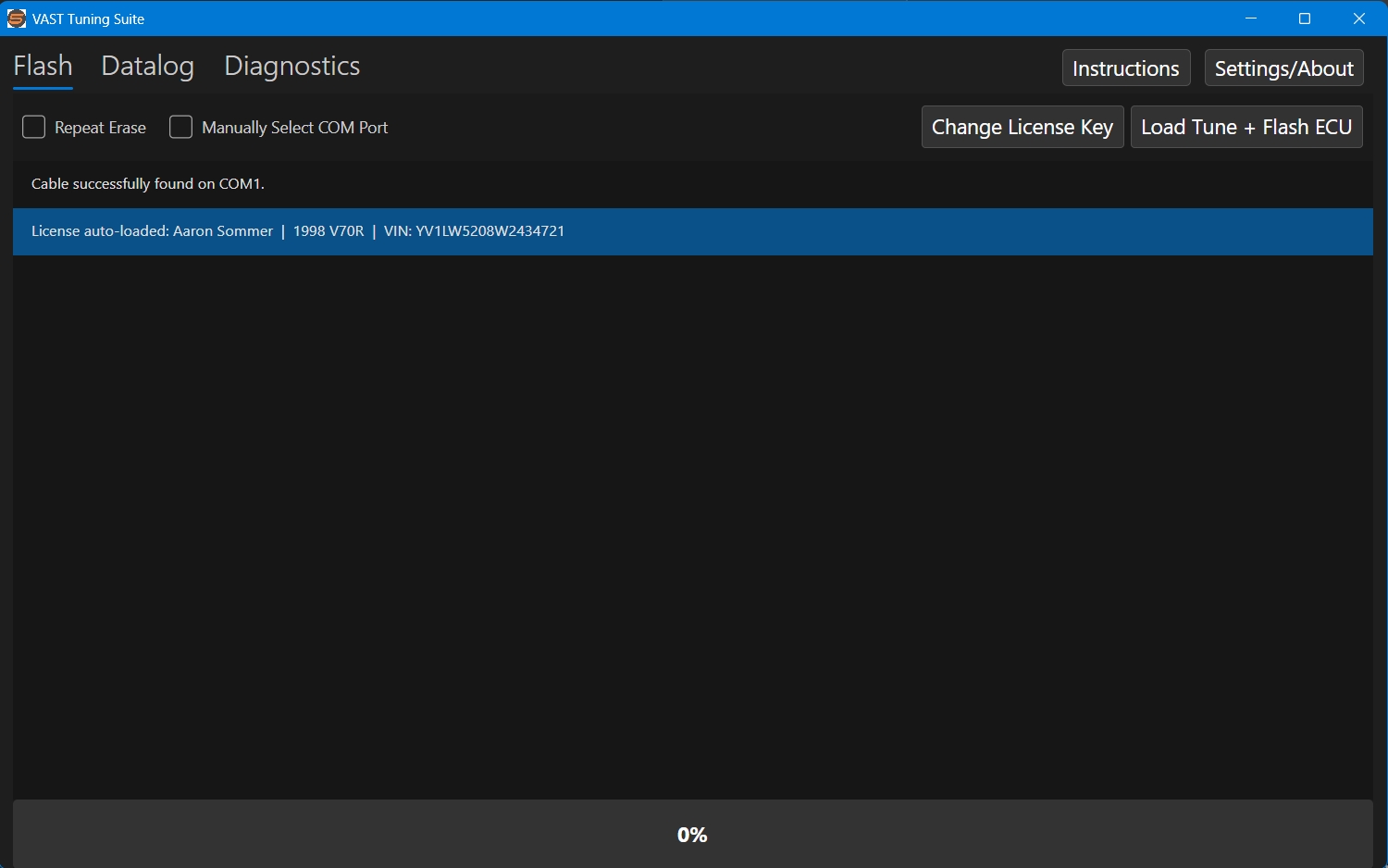
We’re proud to announce the release of a standalone, simple to use program for datalogging, flashing and code reading for Motronic 4.4. This program runs on both Windows and MacOS. There is no longer any need for complicated computer setup using the program TunerPro.
An instructional PDF is bundled with the application. To view it, click the ‘Instructions’ button.
Additional Instructions
Flashing:
- Flashing tunes requires a license file (.vslc). This file was emailed to you with your first tune.
- Once you license file is loaded, you can flash a tune by clicking ‘Load Tune + Flash ECU’. You’ll be prompted to load the tune file. Once the tune file is loaded and the ‘Open’ button is clicked, flashing will start automatically.
- For those with an x70 that is stubborn to flash, click the ‘Repeat Erase’ check box and follow the prompts on the screen.
Logging:
- Click ‘Connect’ to start a logging session. The log will not be saved/written to file until the ‘Record Log’ button is pressed.
- Once at least one tune has been flashed to the computer, log files will be automatically named based on the name last tune that was flashed to the ECU.
- Logging does not require a license file.
- The recorded log file will be saved as a .xdl file, which is compatible with TunerPro. There is an option to also save the log as a .csv. You can enable this by clicking the ‘Settings/About’ button.
- Both a text and graphical view of the data is available.
- In the text view, the coolant temperature reading will flash red when excessively high. Also, knock counts will flash when 3 or more knock events are detected within 3 seconds.
- The boost reading has a peak hold feature which will show the peak boost value since the log started.
- The drop down menu in the wideband display box configures the conversion factor for the model of wideband installed. This selection only changes how the data is displayed – it has no impact on the actual data being recorded.
- In the graphical view, the last 45 seconds of data are shown. Clicking on the graph will show the values at that point and pause the incoming data.
Diagnostic Code Reading:
- Code reading is separate from flashing and logging. To switch from logging to code reading, or vice versa, the ignition must be cycled.
- Codes are not stored or saved to a file.